Get started

Everything you need to start with MSSM.

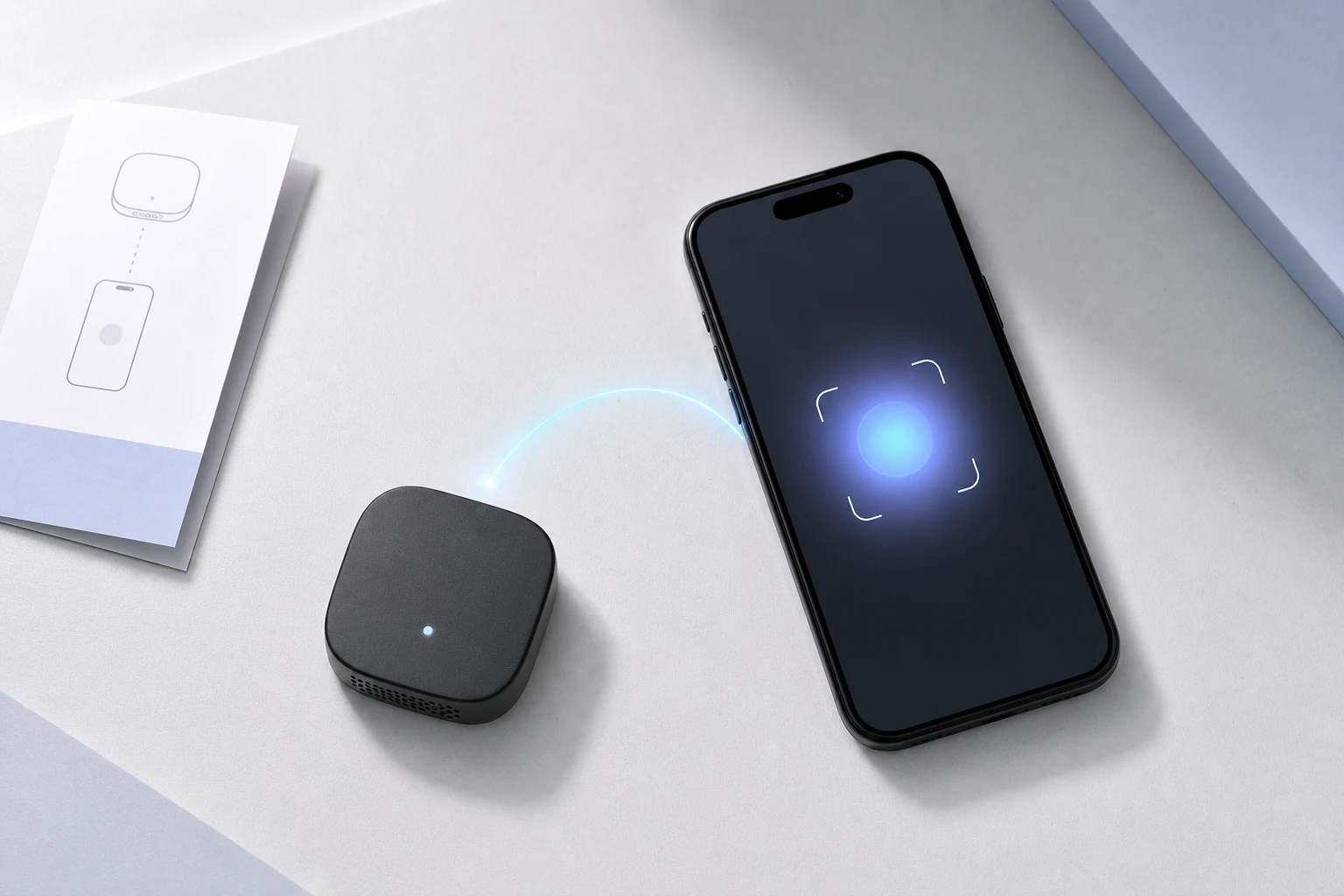
This page is your starting point for device claim, account access, login, and the first steps inside the platform. It is designed as a clear guide page, so new users always know what comes next.

Quick start

The most important actions first. Short, direct, and easy to understand.

1

Claim device

Use the QR code or personal start link from your device to begin the setup process.

2

Create account

Enter your profile details and connect the device to your new MSSM account.

3

Login later

Once setup is done, you can return anytime through the normal login page.

4

Open dashboard

Manage devices, settings, clans, and future features from your main dashboard.

Step by step

This section can later be expanded with full explanations for claim, login, config, and onboarding.

1

How to claim a device

Start from the QR code shown on the device or open the direct start URL. This connects the hardware with the claim process and prepares the first account link.

QR code
Claim token
Device start page
2

How to create your account

Enter your name, email, password, timezone, and any optional profile fields. After that, the device can be linked to your personal MSSM space.

Profile setup
First configuration
3

How to log in later

After the initial setup, just use the normal login page to access your dashboard again. No need to repeat the claim flow unless you are starting with a new device.

Login page
Dashboard access
4

What happens after setup

Once the account and device are connected, you can continue with settings, clans, dashboard actions, and later product modules without starting over.

Settings
Clan
Device management

Helpful notes

Small support-style blocks fit this page better than a huge landing layout.

Already have an account?

Then you usually only need the login page. The claim flow is mainly for the first setup of a device.

Missing your start link?

If the device should show a QR code or claim URL, this section can later explain exactly where to find it.

Ready to continue?

Start with device claim, or go directly to login if your account is already active.